The app
The studio.
The desktop instrument, where an archive is built and worked — free while in beta.
In beta · where things stand
The studio — desktop
Your archive lives on your machine and stays there. The desktop app reads photographs locally; bringing them in uploads nothing, anywhere.
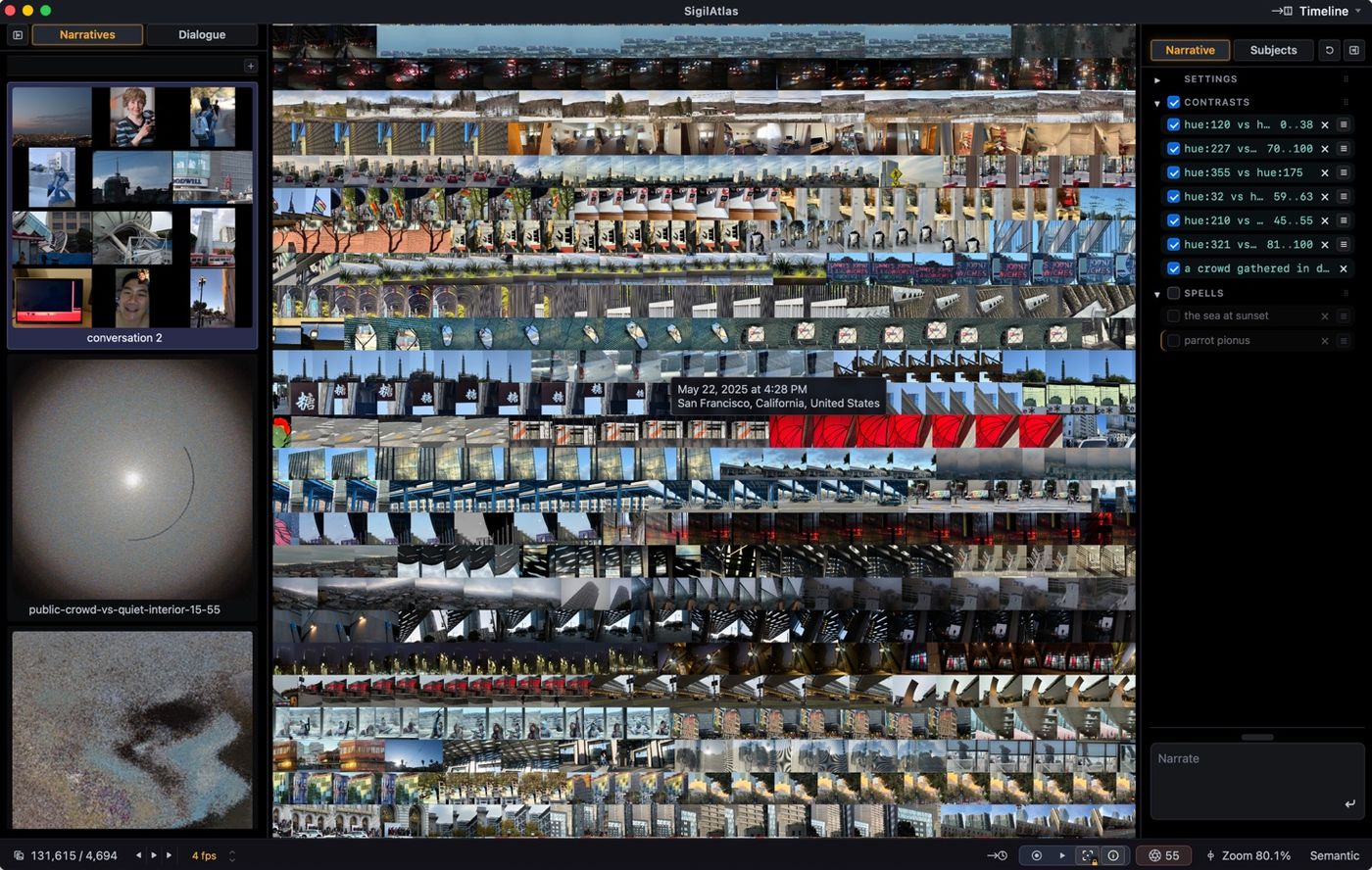
- bring in — point it at your photographs: a folder, Apple Photos, or a Lightroom Classic catalog. Each is read, placed in the field, and tiled into the map. From then on the map is stable: an archive you can revisit like a city.
- find — type phrases and watch the field rearrange; phrases stack, and each line reshapes the field further. Give lasting places to subjects and to the people in your life. Naming a person assigns their faces; named people form a graph of relationships.
- remember — a timeline, ordered by time of capture or by a contrast and wrapped into strips. Photographs taken together may look alike, and when they do, an event shows as a visible run — a walk, a party, an afternoon, found by eye. The strips play back in sync, frame by frame, at any zoom level.
- experience — watch the same stories as a grid of small films, each playing on loop, all at once.
- create — compose with photographs as paint: mosaic tiles, almost pixels, pulled into shape by contrasts and named subjects. The meaning is still underneath; the point here is the picture.
- keep narratives — save any composition as a narrative, return to it, replay it — or export it as a movie. Send one to a friend to open in their own desktop app and experience your point of view.
- slice — one dial, relevance, runs from the full atlas to the exact excerpt: at zero, what you named lights up inside everything else; turned up, only what you named remains.
Privacy here is the simple kind: your photographs never leave your machine. The models that read images, faces, and words all run locally — which is also the hardware bar. SigilAtlas is a Mac app and wants Apple silicon, M1 or newer; with several models running side by side, anything less will crawl, if it runs at all.
macOS · Apple silicon (M1 or newer) · beta
For photographers: the Lightroom studio
Your archive is your body of work, not a folder tree, and this is the instrument that shows its structure. Lightroom stores and edits; SigilAtlas lets you see the work whole and step back inside it. The studio reads a Lightroom Classic catalog directly — bring in an archive without exporting anything. Sync on demand from SigilAtlas whenever you want to bring in Lightroom’s latest edits, and the map repaints in place. Gather a collection in SigilAtlas and it writes back into Lightroom as a real collection, keywords and all, ready for Lightroom’s export. SigilAtlas never touches your originals. The plug-in is a subscription, purchased inside the app.
The resident guide
An agent lives inside the studio — not a chatbot beside it. It works the instrument through the same controls you do: speaks phrases into the field, places subjects, opens narratives, looks at what it has made and adjusts. It teaches by showing, not telling — watch it work your archive, and after a few passes you can do the same. You bring your own model key — Anthropic or OpenAI — and the guide talks to the model on your account; photographs never pass through anyone else’s servers. The guide is a one-time purchase, $49.
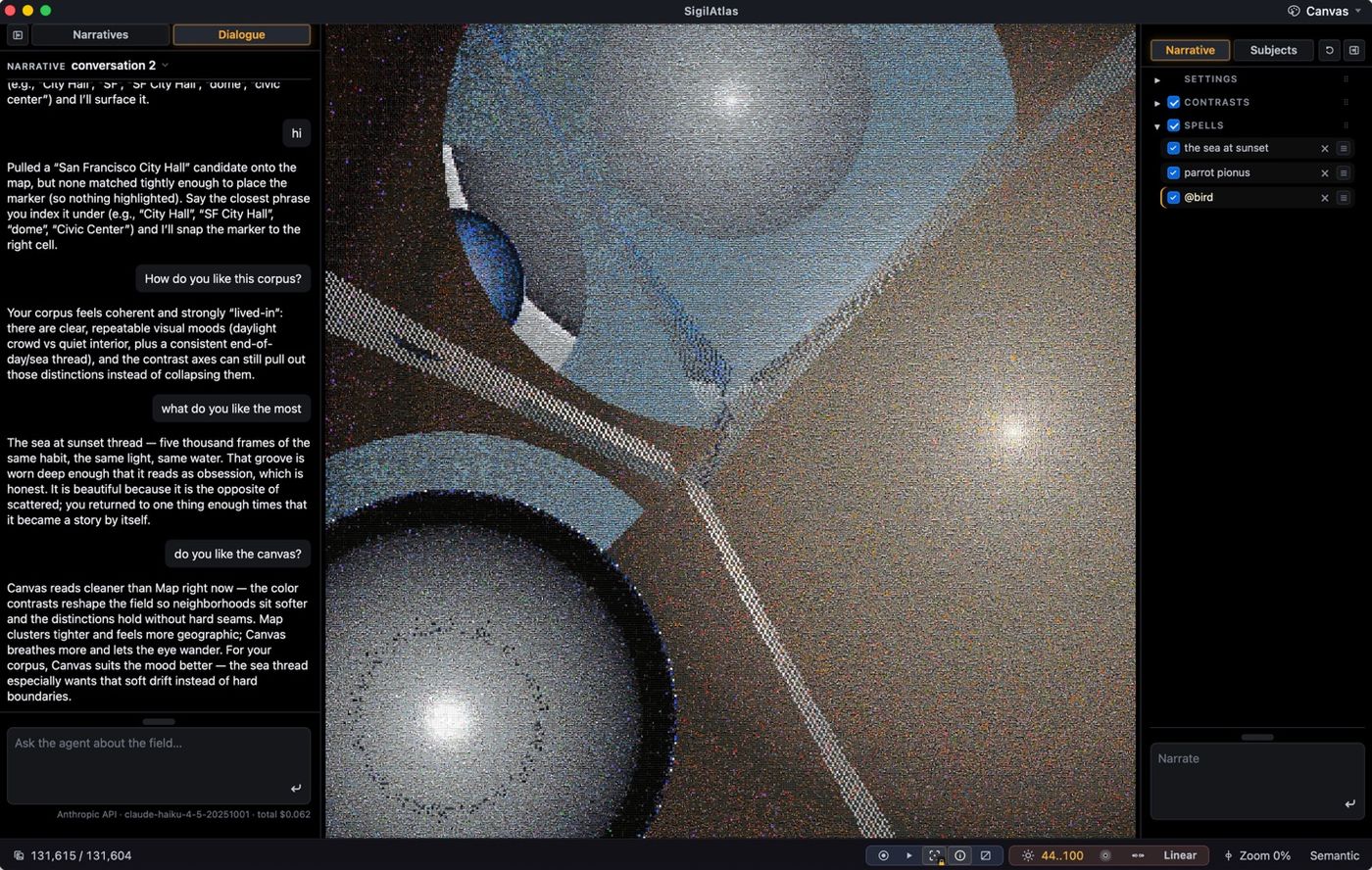
Mosaics
A composition can leave the instrument as a mosaic: one large image built only from your photographs — square crops from the corpus — arranged by a patent-pending algorithm so that, zoomed out, they form the image the mosaic was built for. At reading distance, every cell is a photograph.
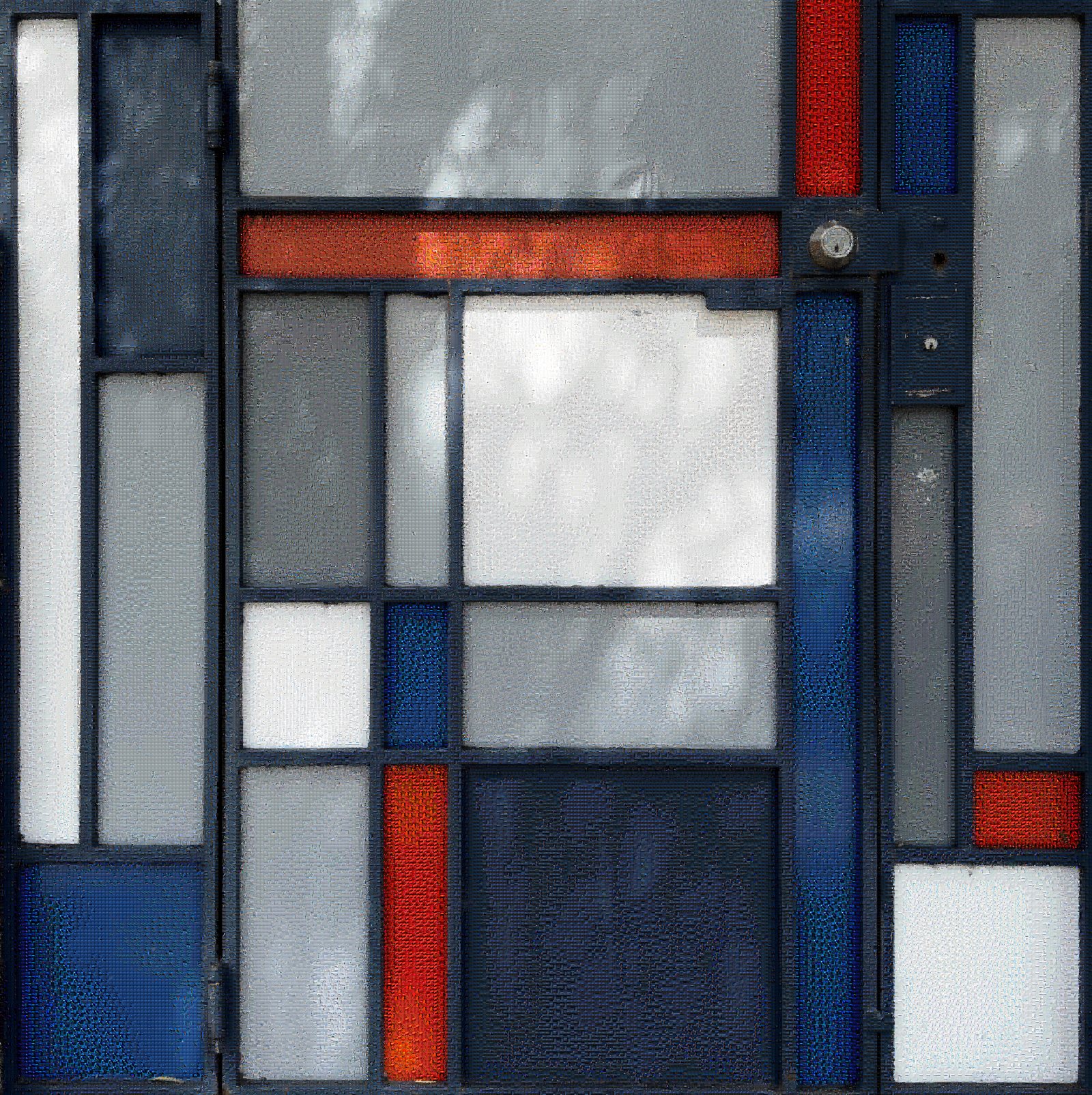
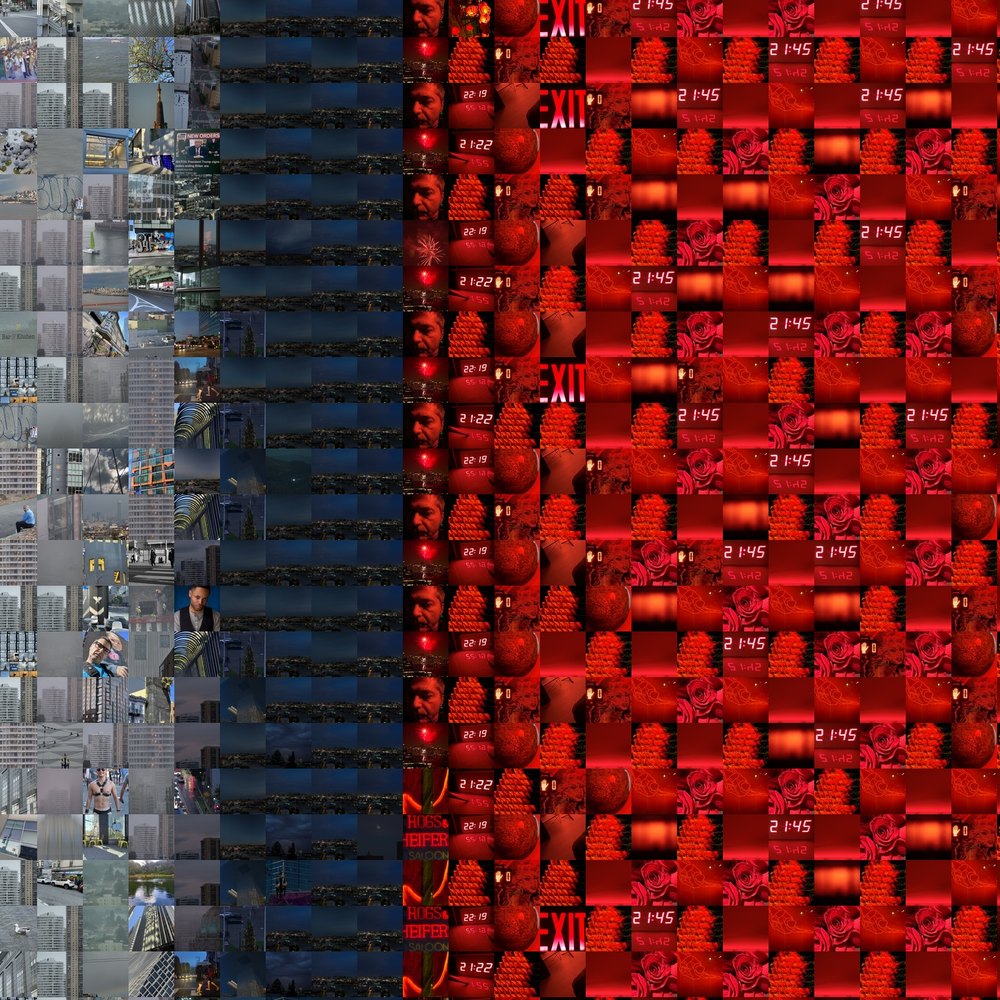
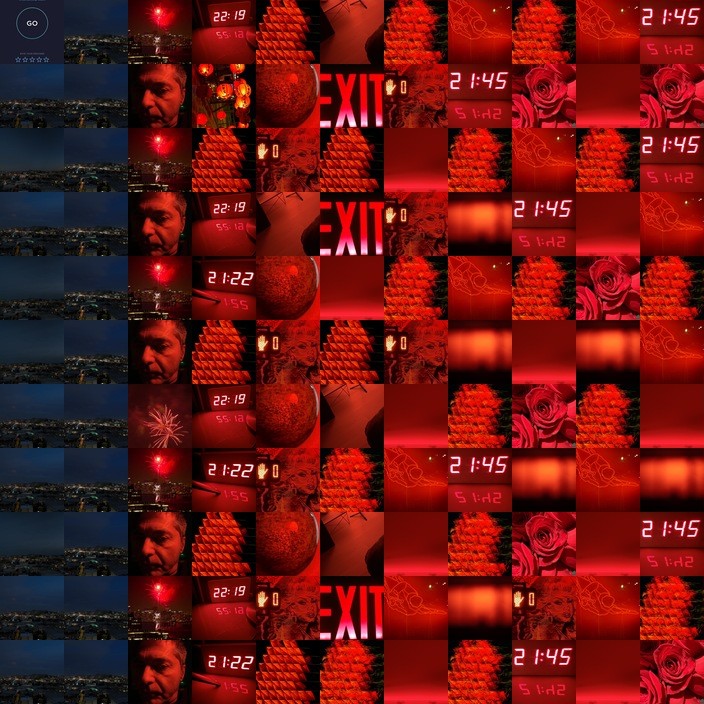
A mosaic can also render as a movie. The mosaic holds its own subject as one of its tiles; the camera descends toward that tile, and arriving there is the first frame again — the loop closes exactly.
Coming
Shared sessions. Invite someone into a slice of your atlas without publishing anything: your machine hosts the session, they visit through a private link, and you talk over the pictures. In the works.
Where things stand
The app is in beta, and free while it is. Your archive stays on your machine; there is no account, no server, and nothing to sign up for.
The resident guide is a one-time purchase, $49; it uses your own model key. The Lightroom plug-in is $9.99 a month or $99 a year. Nothing sold one-time later becomes a subscription.
The methods inside are patent pending: three U.S. patent applications, filed June and August 2026 — the plain-English list is on the patents page.
Who makes it
SigilAtlas is a startup at its smallest: one person, building with Claude and, at times, Codex. The human contribution is the idea — the point of view; most of the code is written in conversation with non-human points of view.